frp 介绍
frp 是一个反向代理软件,frp 可以将本地服务暴露给公网
必备条件
公网服务器,我用的是云服务器
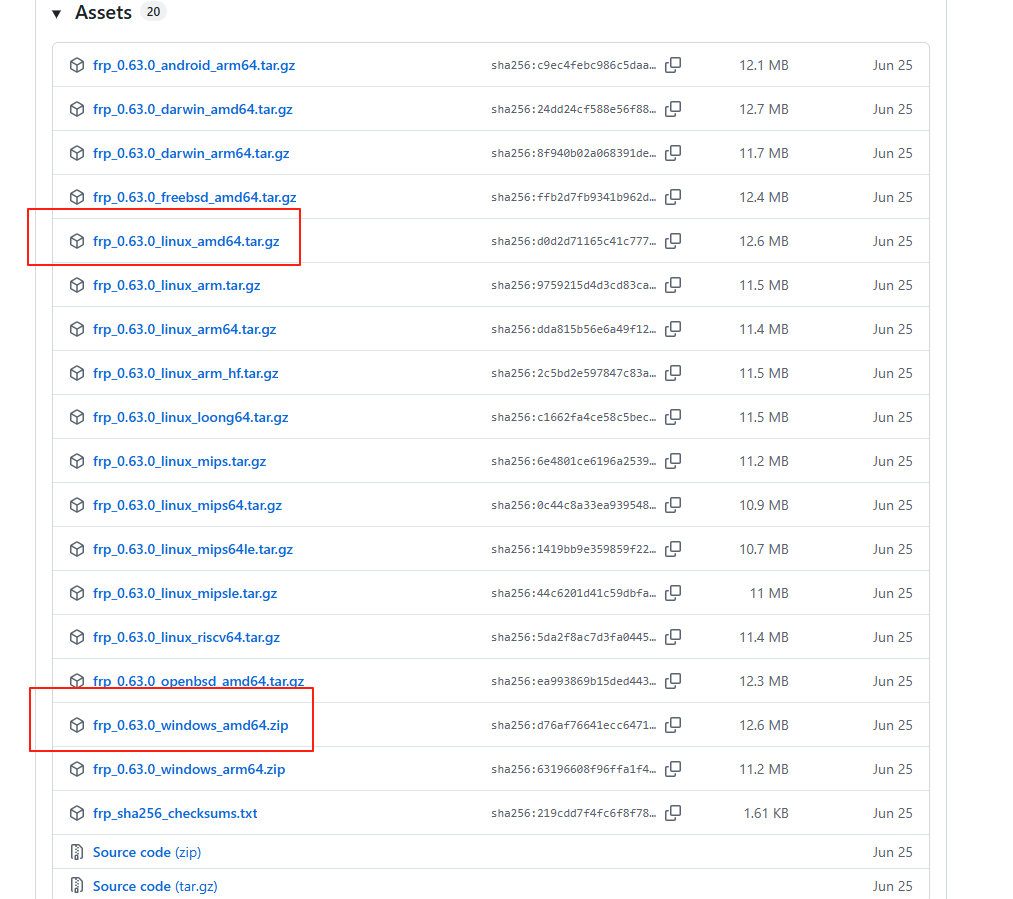
frp 下载
https://github.com/fatedier/frp/releases
我这边下载的版本为 v0.63.0

服务端:
frp_0.63.0_linux_amd64.tar.gz
客户端:
frp_0.63.0_windows_amd64.zip
文档:
https://gofrp.org/zh-cn/docs/
服务端安装
修改配置文件
- 将 linux 版本的压缩包上传至服务器,我这边是/srv/下,解压 tar -zxvf frp_0.63.0_linux_amd64.tar.gz
- 删除 frpc 相关的客户端文件
- 修改服务端配置文件 frps.toml
1
2
3
4
5
6
7
8
9
10
11
12
13
14
15
16
| # 客户端监听端口
bindPort = 7000
# web管理界面
webServer.addr = "0.0.0.0"
webServer.port = 7500
webServer.user = "xxx"
webServer.password = "xxx"
# 验证方式token,客户端需要与之对应
auth.method = "token"
auth.token = "tokenxxx"
# 如果需要代理http,https服务,则需要配置如下
vhostHTTPPort = 80
vhostHTTPSPort = 443
|
注册为服务
- 安装 systemd
1
2
3
4
5
| # 使用 yum 安装 systemd(CentOS/RHEL)
yum install systemd
# 使用 apt 安装 systemd(Debian/Ubuntu)
apt install systemd
|
- 创建 frps.service 文件
1
| vim /etc/systemd/system/frps.service
|
写入内容:
1
2
3
4
5
6
7
8
9
10
11
12
13
14
| [Unit]
# 服务名称,可自定义
Description = frp server
After = network.target syslog.target
Wants = network.target
[Service]
Type = simple
# 启动frps的命令,需修改为您的frps的安装路径
ExecStart = /srv/frp_0.63.0_linux_amd64/frps -c /srv/frp_0.63.0_linux_amd64/frps.toml
[Install]
WantedBy = multi-user.target
|
- 使用 systemd 命令管理 frps 服务
1
2
3
4
5
6
7
8
9
10
| # 设置 frps 开机自启动
systemctl enable frps
# 启动frp
systemctl start frps
# 停止frp
systemctl stop frps
# 重启frp
systemctl restart frps
# 查看frp状态
systemctl status frps
|
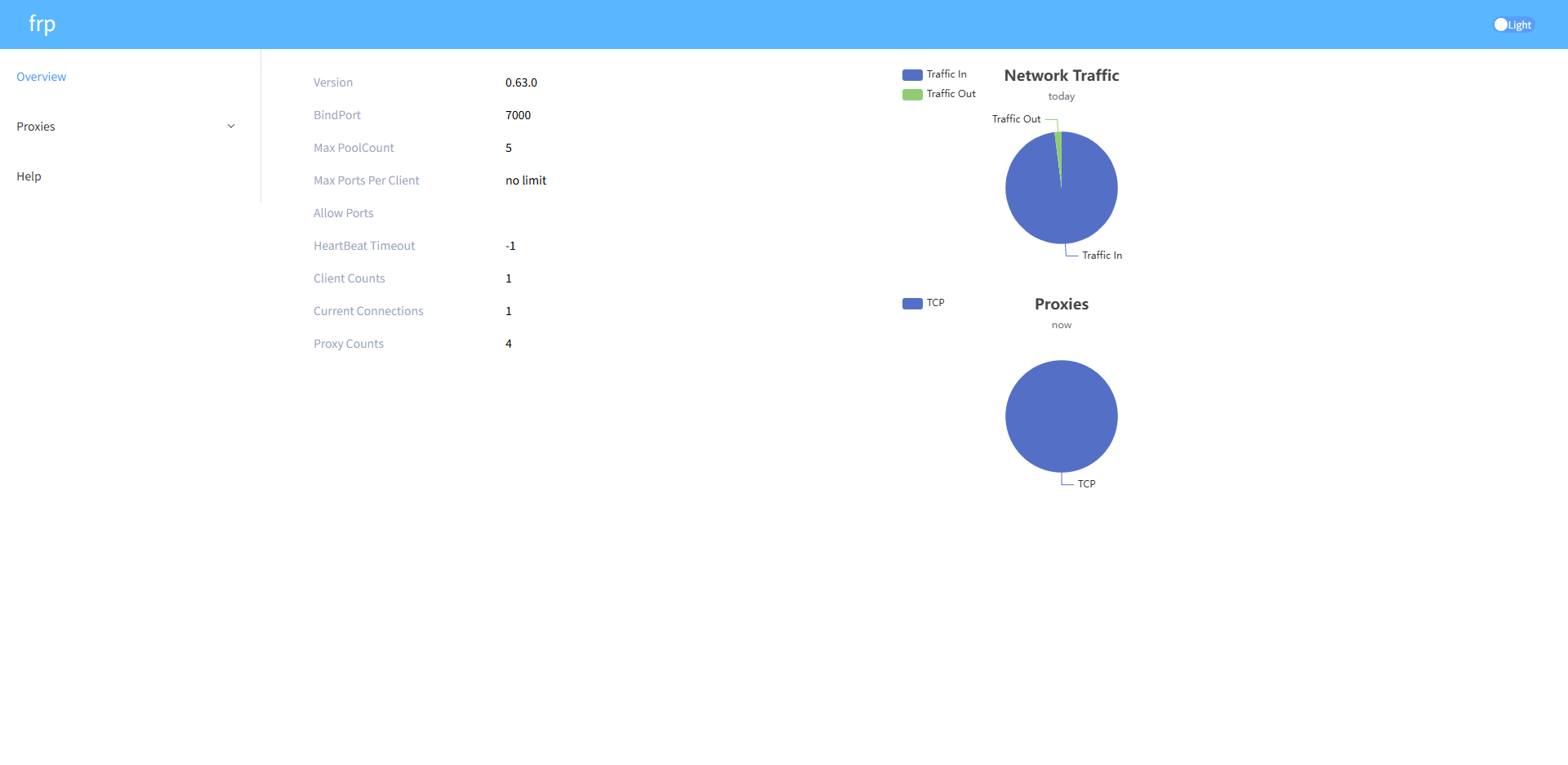
访问 dashboard
注意:需要在安全组中开放 7000、7500、以及后续需要暴露的端口
http://公网 ip:7500
客户端安装
我这边的客户端为 windows
- 解压下载的 frp_0.63.0_windows_amd64.zip
- 删除 frps 相关的服务端文件
- 修改服务端配置文件 frpc.toml
1
2
3
4
5
6
7
8
9
10
11
12
13
14
15
16
17
18
19
20
21
22
23
24
25
26
27
28
29
30
| # 服务端ip,端口
serverAddr = "服务端外网ip"
serverPort = 7000
# 认证方式,与服务端配置一致
auth.method = "token"
auth.token = "tokenxxx"
# tcp代理
[[proxies]]
name = "test-tcp"
type = "tcp"
localIP = "127.0.0.1"
localPort = 3000
remotePort = 9001
# ssh代理
[[proxies]]
name = "ssh"
type = "tcp"
localIP = "127.0.0.1"
localPort = 22
remotePort = 90002
# http代理
[[proxies]]
name = "web"
type = "http"
localPort = 80
customDomains = ["test.yourdomain.com"]
|
启动服务
- 新建 start.bat 文件,放在 frp 文件夹下,内容如下:
运行 start.bat 文件,就会启动服务了
访问 http://test.yourdomain.com:8080 就可以访问到你的网站了
如果需要注册服务,请看NSSM服务注册